4 AI Blog Writing Tools for Small Business Owners (2026)
Compare four AI blog writing tools for small business owners. See setup needs, editing control, publishing options, prices, and which tasks each can handle.
Written by
Today's Living Channel
Dates
- Published
- 13 Sept 2026
- Updated
- 13 Sept 2026
We may be compensated through affiliate links, sponsored content or partnerships. Compensation does not guarantee a positive review. Learn more
Quick verdict
Compare four AI blog writing tools for small business owners. See setup needs, editing control, publishing options, prices, and which tasks each can handle.
- Section
- AI & Automation
- Format
- listicle
- Read time
- 11 min
Running a small business means your attention is already stretched across operations, customers, and everything else that keeps the doors open. Writing blog content regularly often falls to the bottom of the list, even when you know it matters for search visibility. AI blog writing tools can close that gap, but they work in very different ways: some sit inside WordPress and guide you post by post, some generate drafts on demand from a browser tab, some run on a schedule so content publishes while you focus elsewhere, and some take over topic planning almost entirely. This guide compares four tools across those distinct approaches so you can match a choice to your actual workflow.
For the overall comparison, see our four AI tools for writing and automating blog content.
Quick Comparison
| Tool | Setup tasks | Inputs to supply | Ongoing work | Starting access |
|---|---|---|---|---|
| GetGenie | Connect the account and WordPress plugin, or use the web workspace | Keyword, title, outline and business details | Generate, edit and publish through your chosen workflow | 2,500 words/month free; Starter $9.99/month |
| Koala AI | Configure writing settings and connect a supported CMS | Topics, business context and editorial direction | Review drafts; configure Autopilot on Boost or higher if needed | No-card usage allowance; Essentials $9/month |
| Sight AI | Add the site, topic direction and CMS connection | Business facts, content instructions and schedule | Review output, delivery and credit use; inspect visibility data if enabled | Pro $99/month; 7-day card-required trial |
| BabyLoveGrowth.ai | Provide site context and configure publishing | Business information and topic feedback | Review proposed topics, factual accuracy and delivered pages | 3-day trial; verify price and billing terms |
1. GetGenie
Best for: WordPress users who want to generate and optimize posts without leaving their dashboard.
Explore GetGenie is a WordPress plugin and SaaS workspace that brings keyword research, competitor analysis, and AI article generation into the editor you already use.

Where This Tool Shines
For a WordPress owner, GetGenie keeps research and drafting controls in the editor. One-Click Blog takes you through a keyword, title and intro, outline, and full draft. That means the owner can check the angle before generation and make final changes where the article will be published.
The built-in keyword research and competitor analysis are useful additions. Before you publish, you can see what competing pages cover and how the content scores on optimization metrics, which helps you decide whether a draft needs more depth before it goes live.
Key Features
One-Click Blog: Takes a keyword through title selection, outline approval, and post generation in a single guided flow inside WordPress.
Keyword research: Built-in search data so you can evaluate a topic before committing to a draft.
Competitor analysis: Shows what ranking pages cover, helping you identify gaps to address in your post.
Content optimization scoring: Rates the generated draft against SEO criteria within the editor so you know what to improve before publishing.
SaaS workspace option: Available outside WordPress for teams or owners not on that CMS, though the plugin is the primary use case.
Best For
Small business owners already running a WordPress site who want a low-friction way to produce optimized posts without switching between tools. It suits someone comfortable reviewing and editing AI output and who wants search intent data alongside the draft, not as a separate step.
Pricing
Free plan includes 2,500 AI writing words per month with limited SEO features. Starter is US$9.99/month; a promotional rate of approximately US$6/month equivalent is available with annual billing. Confirm current offers at getgenie.ai/pricing, as promotional rates and billing terms can change.
2. Koala AI
Best for: Budget-conscious owners who want SEO articles generated quickly and pushed directly to their CMS.
Explore Koala AI is a browser-based SEO article generator with real-time data integration, bulk writing capability, and direct publishing connections to WordPress, Shopify, Webflow, Ghost, and webhooks.

Where This Tool Shines
Koala gives new accounts 5,000 writing words and 25 credits without requiring a card. That provides a way to evaluate a draft before choosing a paid plan. GetGenie also offers no-card free access, with an allowance that refreshes monthly instead.
The CMS publishing connections are a meaningful time saver. Rather than generating a draft and manually pasting it into your site, Koala can push the article directly to WordPress, Shopify, Webflow, or Ghost. For an owner producing content regularly, removing that manual transfer step adds up. One thing to note: the model you choose for generation affects how quickly your word allowance is consumed, which matters most on the Essentials plan.
Key Features
KoalaWriter: SEO-focused article generation that incorporates real-time data, keeping content current rather than drawing only from a static training set.
Direct CMS publishing: Connects to WordPress, Shopify, Webflow, Ghost, and webhooks to push drafts without manual copy-paste.
Bulk writing: Allows multiple articles to be generated in a single session, useful for owners building out a content library quickly.
Free usage allowance: 5,000 words and 25 credits with no card required, functioning as a try-before-you-pay option rather than a timed trial.
Content Calendar Autopilot: Scheduled publishing automation available on the Boost plan (US$99/month); not included in Essentials or Professional tiers.
Best For
Owners who want the lowest-cost paid entry point and publish to a supported CMS. Also well suited for someone who wants to test AI article quality with zero financial commitment before deciding whether to subscribe. If scheduled autopilot publishing is a priority from day one, the Boost plan is required.
Pricing
Free usage allowance: 5,000 words and 25 credits, no card needed. Essentials: US$9/month (15,000 writing words, 250 credits). Professional: US$49/month. Boost: US$99/month, which includes Content Calendar Autopilot. See current details at koala.sh/pricing.
3. Sight AI
Best for: Owners who want scheduled content production and visibility into how their brand appears in AI-powered search results.
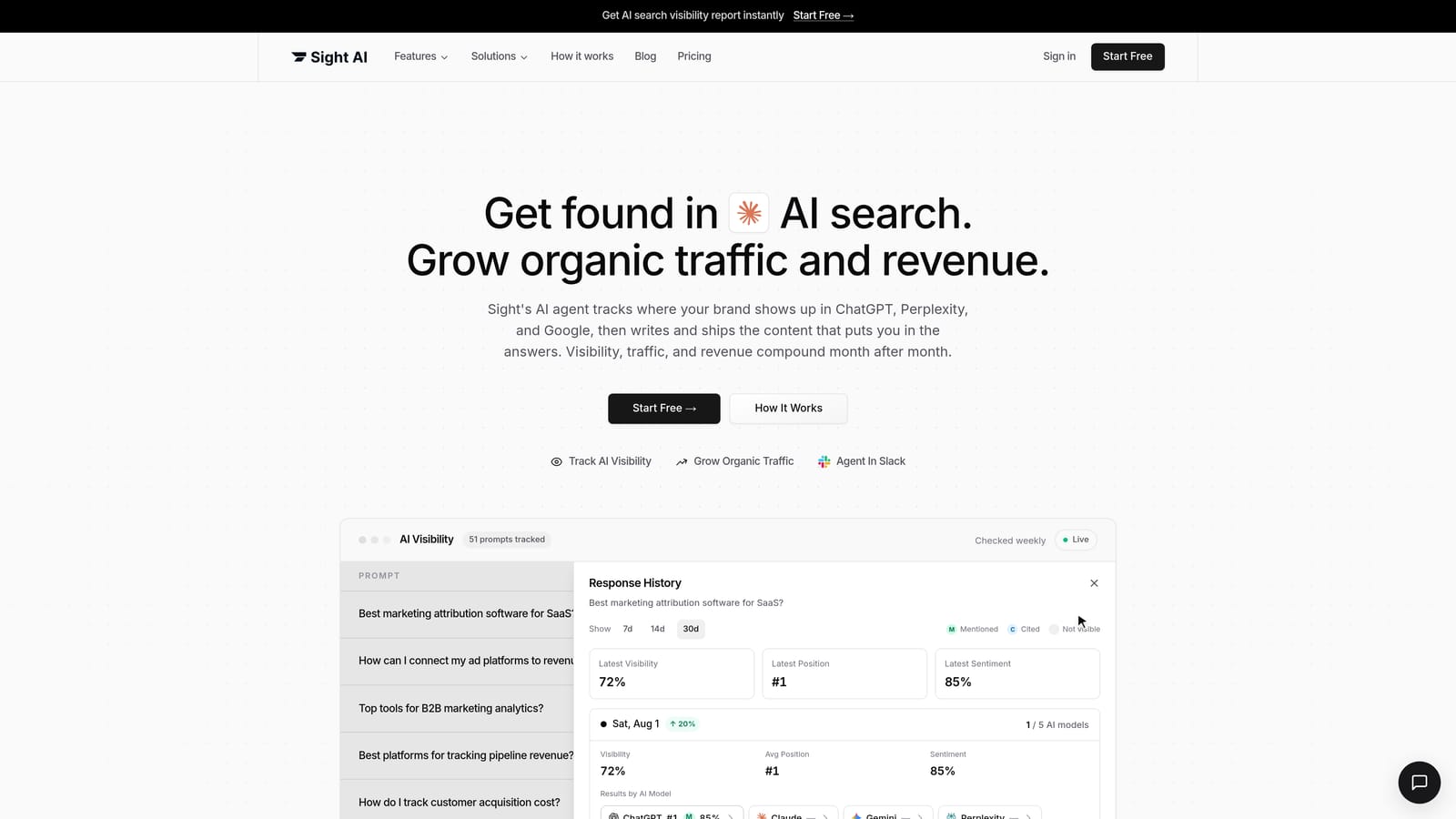
Explore Sight AI is a content production platform with autopilot scheduling, CMS delivery, and AI visibility tracking that monitors how your brand shows up in AI search answers, not just traditional rankings.
Where This Tool Shines
Sight AI is designed for owners who want content to move through a pipeline with less per-post involvement. Once topics and scheduling are configured, the autopilot feature handles generation and delivery to your CMS, so you are reviewing and approving rather than initiating each piece from scratch. That shift from active to periodic involvement suits a business owner whose time is limited.
AI visibility tracking is another reason to evaluate Sight: it addresses whether your brand appears in the AI answers being monitored. Treat that as a separate measurement from website visits and enquiries. Other products also market AI-search features, so compare the reporting you actually need.
Key Features
AI article generation with scheduled workflows: Autopilot scheduling moves content through production and delivery without requiring a manual trigger for each post.
CMS delivery: Connects to supported CMS platforms for automated publishing; Framer integration is manual-only, so check the Sight AI documentation for your specific CMS before assuming full automation.
AI visibility tracking: Monitors brand presence in AI-generated search answers, providing a signal that traditional rank trackers do not capture.
Shared credit pool: The 5,000 AI credits per month are consumed across credit-consuming AI activities, not allocated per article, so credit usage varies by workflow.
Seven-day trial: Includes 1,500 credits; a card is required, but cancellation during the trial means no charge.
Best For
Owners who want to move from writing individual posts to managing a content schedule, and who are interested in tracking brand visibility in AI search as well as traditional search. The $99/month starting price makes it a considered investment rather than a casual experiment, so the seven-day trial is worth using fully before committing.
Pricing
Pro plan: US$99/month, including 5,000 AI credits, one site, and one seat. Seven-day trial with 1,500 credits; card required. Cancel during the trial to pay nothing. Current pricing at trysight.ai/pricing.
4. BabyLoveGrowth.ai
Best for: Owners who want topic suggestions and article production connected to their publishing workflow.
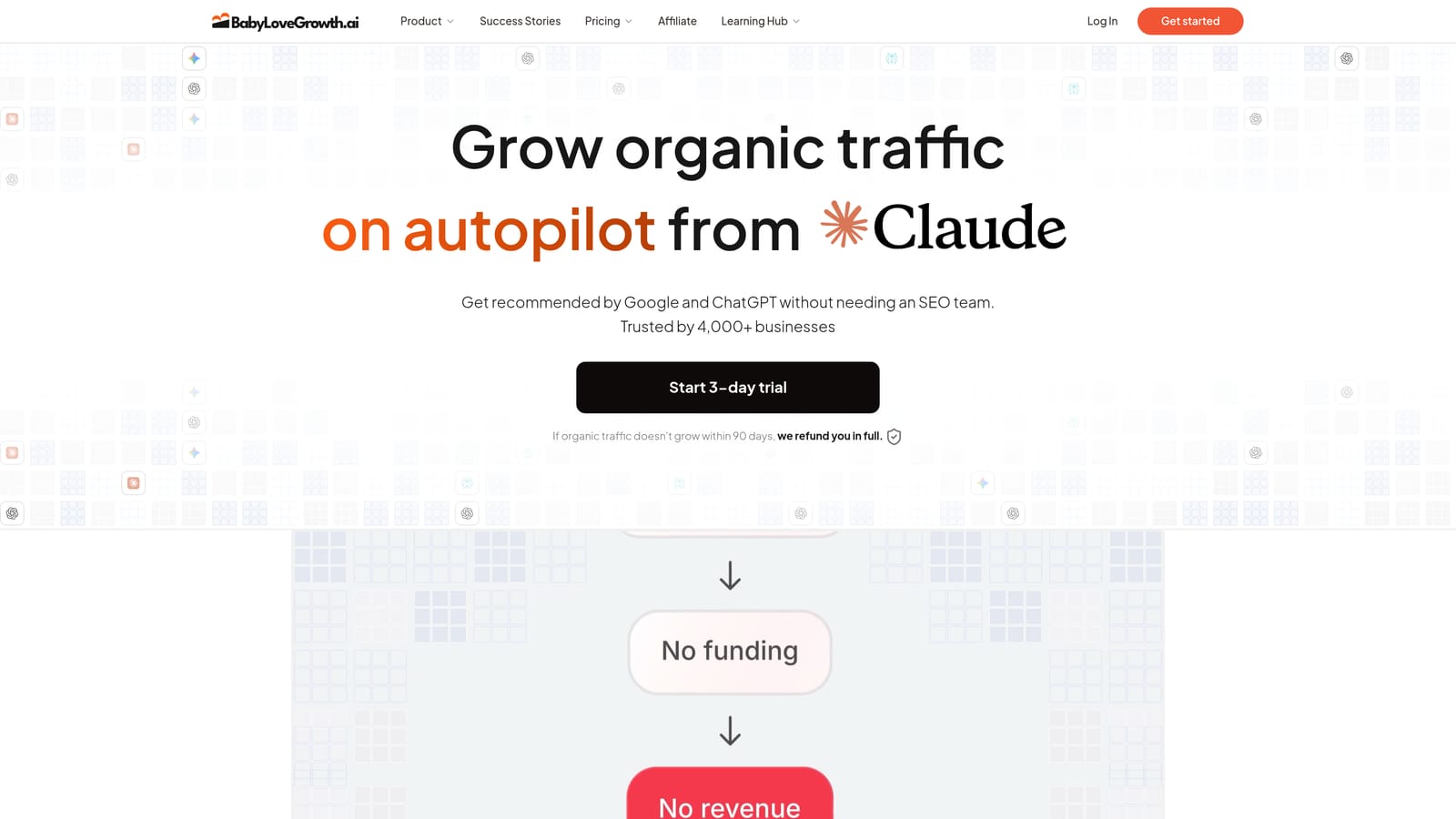
Explore BabyLoveGrowth.ai connects business analysis, keyword discovery, article generation, and publishing. Evaluate how well its suggested topics reflect your customers and the work you want your blog to do.
Where This Tool Shines
BabyLoveGrowth.ai begins with business analysis to inform topics and keywords. That makes the quality of your initial business information important. It is not the only product here that uses business context: Koala documents Brand DNA, and Sight accepts site and content instructions.
For a business owner who finds keyword research unfamiliar or time-consuming, that starting point is meaningful. The tradeoff is that a more automated approach typically requires a more thorough initial brief to produce content that accurately reflects your business, and ongoing review remains essential to catch anything that does not match your voice or the facts of your service.
Key Features
Business analysis onboarding: The platform gathers information about your offering before topic and keyword selection begins, rather than requiring you to supply those inputs directly.
Keyword discovery: Integrated as part of the pipeline rather than a separate tool you operate yourself.
SEO article production: Content is generated with your business context factored into the brief.
Publishing automation: Connects to your site to handle delivery, reducing manual steps after content is approved.
Three-day trial: Advertised on the official site; check current terms at babylovegrowth.ai for any card requirements or conditions.
Best For
Owners who want help proposing a content plan can evaluate this workflow. Provide an accurate business brief, inspect the suggested topics, and check whether the draft and publishing controls fit the review process you want.
Pricing
Monthly pricing, card requirements, and precise billing terms could not be verified from the official page at the time of writing. Do not rely on any figures not confirmed directly at babylovegrowth.ai. A three-day trial is advertised; confirm current conditions before signing up.
Choosing the Right Fit for Your Business
The right tool here is less about which one is objectively best and more about how much involvement you want to keep and what your existing setup looks like.
If writing inside WordPress is the priority, explore Explore GetGenie. For a low paid entry price and external CMS delivery, try Explore Koala AI's no-card allowance before selecting a plan. For scheduled production and AI visibility monitoring, evaluate Explore Sight AI. For business-led topic suggestions and an automated publishing workflow, review Explore BabyLoveGrowth.ai's trial and current plan terms.
Before the first article is published, give the tool your current services, locations, examples, and any claims it must avoid. Check that draft against the facts of your business. Once the instructions and delivery process are reliable, maintain a review cadence and revisit the setup whenever an offer or important detail changes.
When you are ready to connect a tool, use our draft-to-publication workflow to check delivery and our AI content quality checklist to review the resulting page.
Product details checked September 9, 2026: Sight pricing, Koala pricing, GetGenie pricing, BabyLoveGrowth product details. Confirm current plans and checkout terms before subscribing.
Explore your options
Find the right fit for your workflow
Visit the official product sites to review current features, plans, and signup options.
Written and edited by the Today's Living Channel desk. About us · Affiliate disclosure