4 Best AI Tools for Managing Multiple Blogs in 2026
This roundup compares four AI tools for managing multiple blogs, evaluating how each handles multi-site connections, scaling costs, and keeping distinct blog voices from blurring together as you add properties.
Written by
Today's Living Channel
Dates
- Published
- 18 Sept 2026
- Updated
- 18 Sept 2026

We may be compensated through affiliate links, sponsored content or partnerships. Compensation does not guarantee a positive review. Learn more
Quick verdict
This roundup compares four AI tools for managing multiple blogs, evaluating how each handles multi-site connections, scaling costs, and keeping distinct blog voices from blurring together as you add properties.
- Section
- AI & Automation
- Format
- listicle
- Read time
- 11 min
Managing multiple blogs introduces two costs a single-site comparison can miss: extra properties and the work of keeping each brand separate. These four AI tools can support parts of a multi-blog workflow. Compare site allowances, brand configuration, publishing destinations, and shared usage before calculating the monthly bill.
This shortlist uses published product information and workflow criteria, not a scored hands-on performance test. Product details checked September 13, 2026; confirm terms at checkout.
Count brands, sites, seats, and output separately
One brand can have several publishing destinations, and one login can represent several people. Record each requirement separately. An allowance for words does not establish an unlimited allowance for websites, brand profiles, or collaborators.
Quick comparison
Sight AI: Site-based workspaces and publishing automation. Explore Explore Sight.
Koala AI: Shared output allowances with tiered brand features. Explore Explore Koala.
GetGenie: A WordPress plugin plus standalone writing workspace. Explore Explore GetGenie.
BabyLoveGrowth: Business-profile-led planning for connected sites. Explore Explore BabyLoveGrowth.
1. Sight AI
Best fit: Site-based workspaces and publishing automation.
Explore Explore Sight for the current product and signup options.
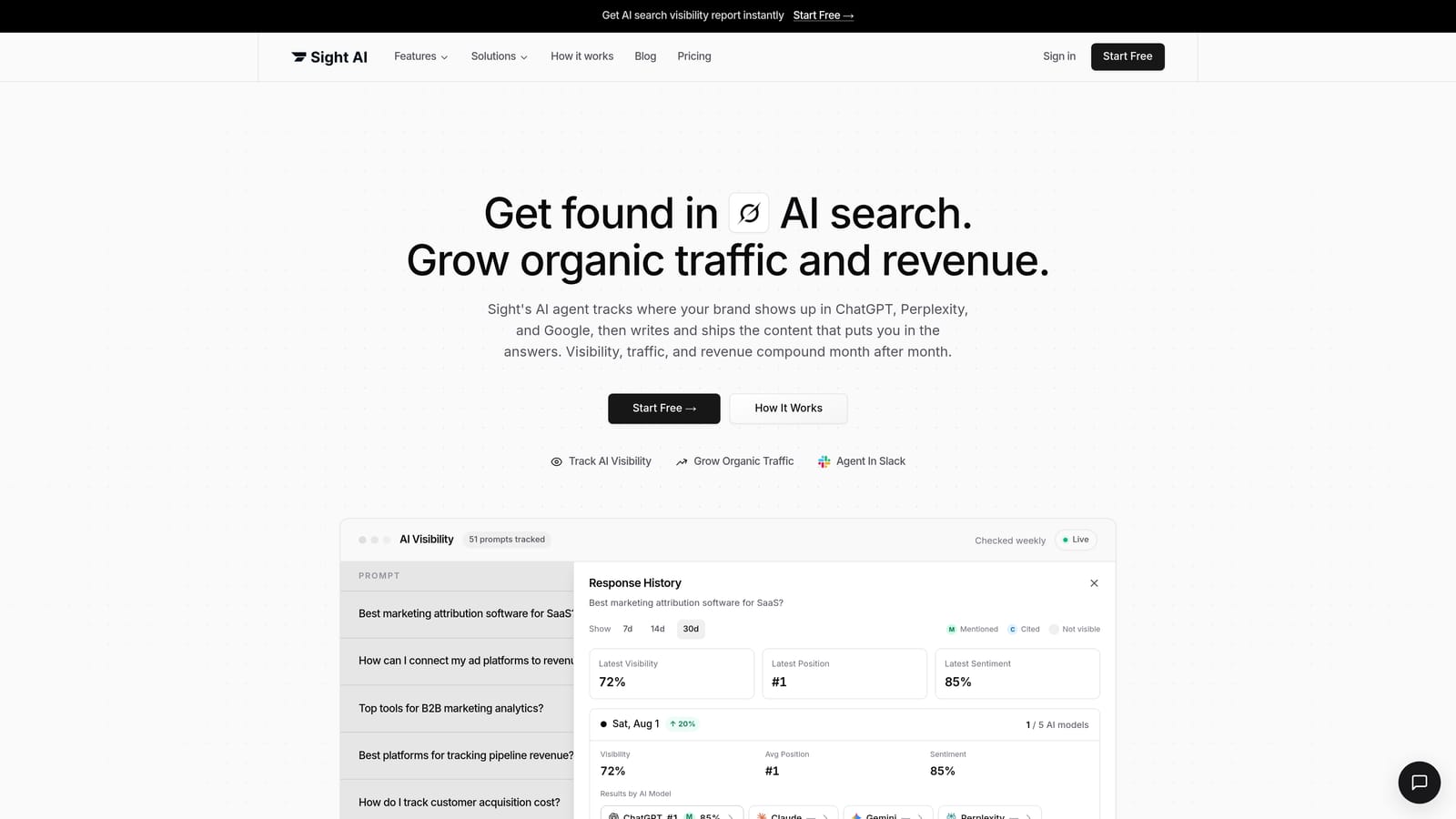
Sight's Pro pricing includes one site and one seat, with additional sites and seats priced separately. For a portfolio, compare the full site count rather than multiplying an assumed article price. Keep each site's business information, permitted products, and delivery destination aligned before you generate a batch.
Plan and trial details
Pro starts at US$99/month with 5,000 credits, one site, and one seat. The seven-day trial requires a card; cancel before it ends to avoid billing. Sight AI official details.
Check before choosing
Budget research, generation, images, and other credit-consuming activity together. Confirm the integration mode for your CMS instead of assuming every advertised connection supports unattended delivery.
2. Koala AI
Best fit: Shared output allowances with tiered brand features.
Explore Explore Koala for the current product and signup options.
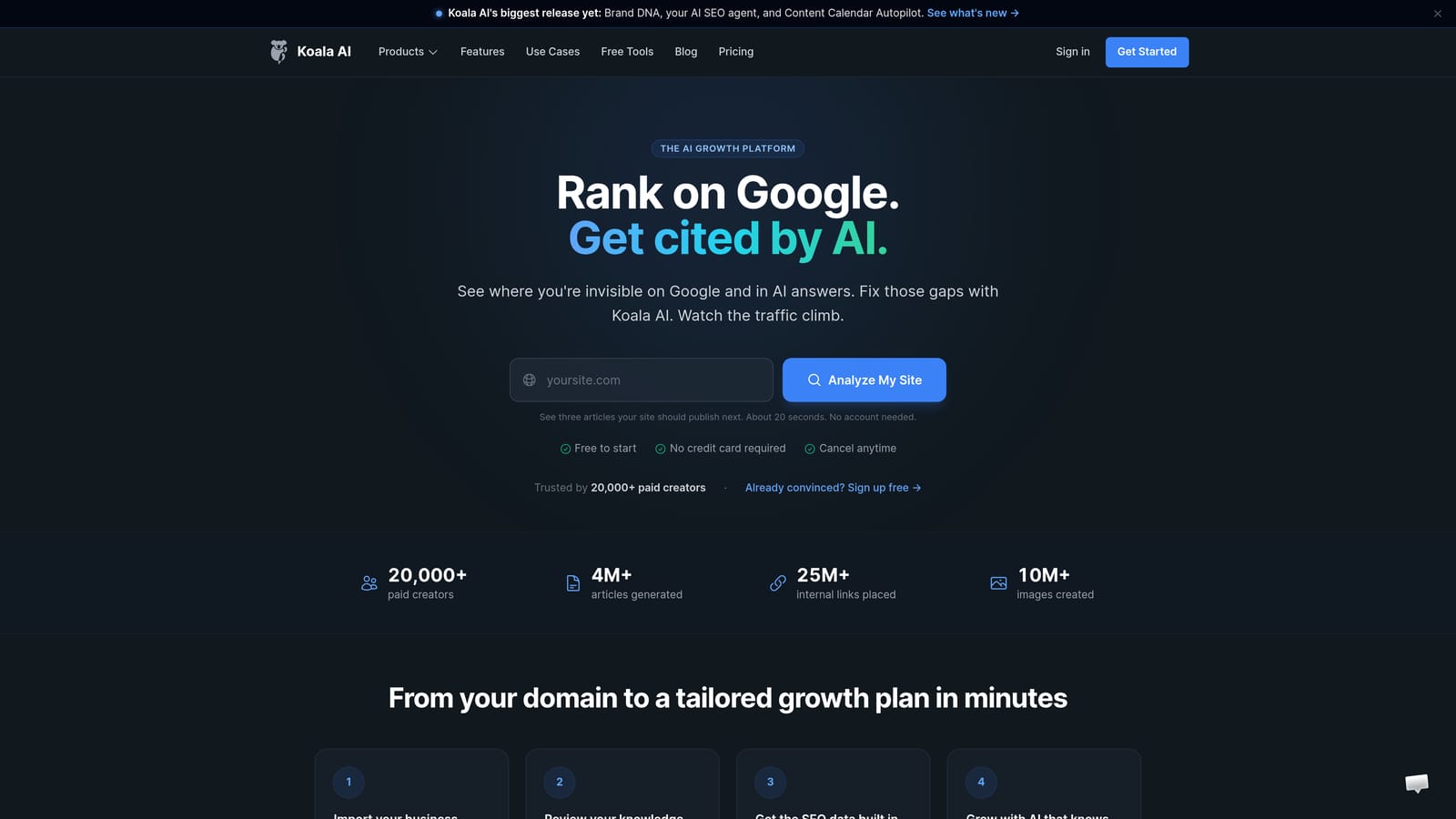
Koala combines word and credit allowances with plan-specific features such as Brand DNA and internal linking. Brand capacity varies by tier; a shared writing allowance does not imply unlimited brand profiles. If the blogs have different voices, test two contrasting briefs and confirm the applicable brand limit before buying.
Plan and trial details
Essentials is US$9/month. Content Calendar Autopilot starts on Boost at US$99/month. The no-card free allowance is 5,000 words and 25 credits, not a timed trial. Koala AI official details.
Check before choosing
Select the plan by the automation and brand features you need. Output consumption depends on your settings; the lowest price does not include every calendar feature.
3. GetGenie
Best fit: A WordPress plugin plus standalone writing workspace.
Explore Explore GetGenie for the current product and signup options.

GetGenie can be used in WordPress installations and through its standalone Playground. For several blogs, check the license's current website allowance and how usage is shared. Separate WordPress dashboards are not proof that every account-level setting is isolated, so test the behavior instead of assuming it.
Plan and trial details
Starter is US$9.99/month on monthly billing. Annual promotional equivalents have different payment commitments. Compare the current word and research limits on the pricing page. GetGenie official details.
Check before choosing
Treat the WordPress plugin and standalone Playground as separate workflow options. Confirm site licensing and any publishing automation requirement before subscribing.
4. BabyLoveGrowth
Best fit: Business-profile-led planning for connected sites.
Explore Explore BabyLoveGrowth for the current product and signup options.
BabyLoveGrowth bases its planning on business information and connects to several CMS platforms. For a portfolio, confirm how many businesses or sites your subscription covers and whether each has independent instructions and calendars. Do not infer either unlimited sites or absent voice controls from its focus on automation.
Plan and trial details
The site advertises a three-day trial. Check checkout for the current price, included output, card requirement, and renewal terms before starting. BabyLoveGrowth official details.
Check before choosing
Review the proposed topics and CMS settings. Its backlink exchange is a separate feature to assess; it is not evidence of earned editorial links or guaranteed rankings.
A practical test before you commit
Create a routing sheet with one row per site: audience, brand profile, permitted affiliate URLs, CMS destination, category, timezone, and monthly output budget. Send a distinct test draft to two sites and check that neither inherits the other's links or brand language.
Use our internal linking workflow to check the next part of your workflow.
Use our blog automation pricing comparison to check the next part of your workflow.
For the broader shortlist, see our comparison of four AI blog writing and automation tools.
Choose the next step for your blog
Shortlist the option that solves your main constraint, then compare a representative draft and the actual plan cost before committing.
Site-based workspaces and publishing automation: Explore Explore Sight.
Shared output allowances with tiered brand features: Explore Explore Koala.
A WordPress plugin plus standalone writing workspace: Explore Explore GetGenie.
Business-profile-led planning for connected sites: Explore Explore BabyLoveGrowth.
Explore your options
Find the right fit for your workflow
Visit the official product sites to review current features, plans, and signup options.
Written and edited by the Today's Living Channel desk. About us · Affiliate disclosure