Koala vs GetGenie: Which Fits Your Blog Workflow?
Compare Koala and GetGenie for blog writing, WordPress editing, SEO features, free access, and pricing. Find the workflow that fits how you create content.
Written by
Today's Living Channel
Dates
- Published
- 11 Sept 2026
- Updated
- 11 Sept 2026

We may be compensated through affiliate links, sponsored content or partnerships. Compensation does not guarantee a positive review. Learn more
Quick verdict
Compare Koala and GetGenie for blog writing, WordPress editing, SEO features, free access, and pricing. Find the workflow that fits how you create content.
- Section
- AI & Automation
- Format
- listicle
- Read time
- 11 min
Two tools, one buying question: Explore Koala AI and Explore GetGenie both generate SEO-focused blog content with low-cost or free entry points, but they take fundamentally different approaches to where and how you write. Koala AI is a standalone web app that connects to multiple CMS platforms. GetGenie lives inside WordPress, or a web workspace, and adds keyword research and optimization alongside generation. Choosing between them comes down to your publishing setup, not just price. Facts checked September 9, 2026. If you are comparing more than two tools, the four-tool roundup at Today's Living Channel covers a broader field.
For the overall comparison, see our four AI tools for writing and automating blog content.
1. At a Glance: Side-by-Side Comparison
The table below uses only verified facts from each vendor's official site. Treat pricing and features as a starting point and confirm current details directly before subscribing.
| Dimension | Koala AI | GetGenie |
|---|---|---|
| Free / no-card entry | 5,000 writing words + 25 platform credits; no card required (usage allowance, not a timed trial) | 2,500 AI writing words/month; no card required (current free plan, limited SEO features) |
| Lowest paid tier | Essentials: US$9/month — 15,000 words, 250 platform credits | Starter: US$9.99/month (monthly billing); ~US$6/month equivalent with annual billing, promotional rate |
| Writing environment | Standalone web app | WordPress plugin or SaaS web workspace |
| CMS integrations | WordPress, Shopify, Webflow, Ghost, webhooks | WordPress (plugin); web workspace for other setups |
| SEO features | Real-time data integration, SEO-focused article generation | Keyword research, competitor analysis, content optimization, One-Click Blog workflow |
| Publishing automation | Content Calendar Autopilot on Boost plan (US$99/month) | Unattended publishing-calendar capability not confirmed on official sources |
2. Free Access: One-Time Allowance or Monthly Plan
Before committing to a subscription, most bloggers want to run a real article through a tool and see how it handles their topic and writing style. Both Koala AI and GetGenie let you do that without entering payment details, but the structure of each free entry point is different enough to matter.
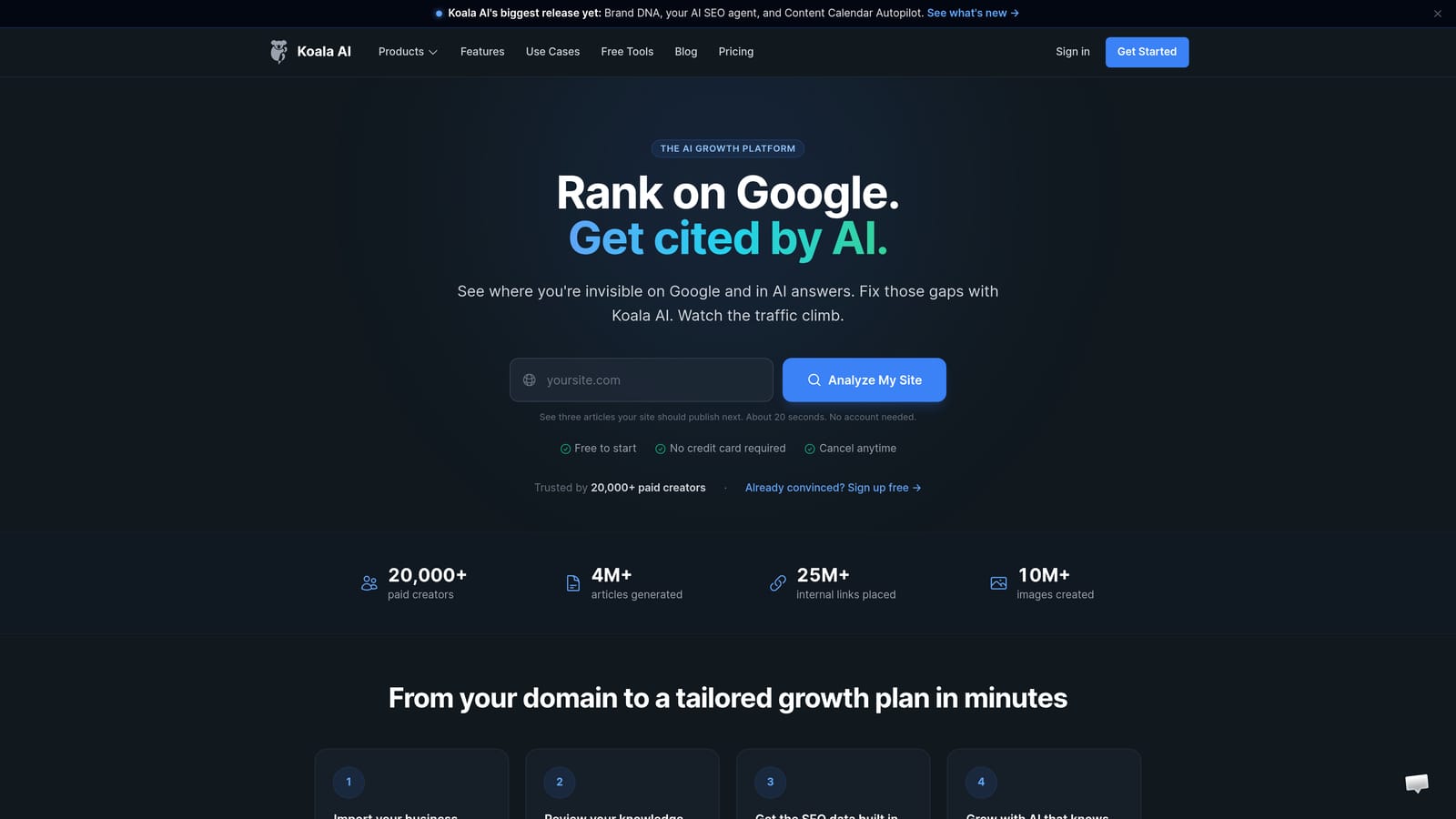
Koala AI gives new accounts 5,000 writing words and 25 platform credits with no card required. This is a usage allowance: once those words and credits are consumed, they are gone. It is not a rolling monthly plan. The practical upside is that you can test a full article or two at no cost. The caveat worth noting is that model choice affects consumption speed. If you select a more capable AI model, your 5,000 words may produce fewer articles than you expect.
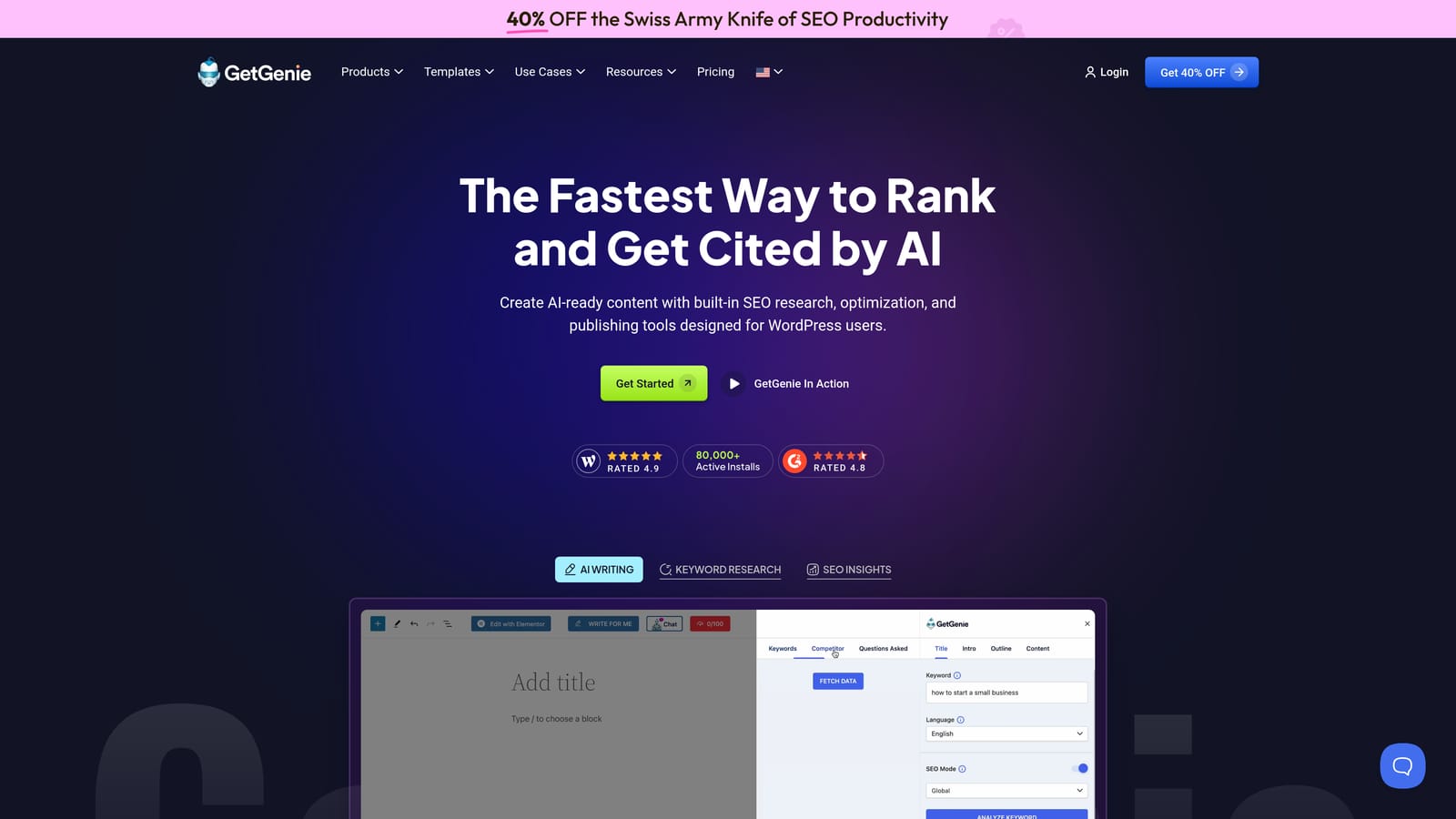
GetGenie's current free plan refreshes with 2,500 AI writing words per month and limited SEO features. That provides a recurring allowance for evaluation or lighter use. Koala's new-account allowance is one-time, so the two free offers should be compared separately from their paid plans.
1. Sign up for Koala AI without a card and draft one full article to test output quality and word consumption against your typical post length.
2. Install GetGenie's WordPress plugin using the free plan and run the One-Click Blog workflow on a topic you know well, so you can evaluate the outline and SEO suggestions against your own knowledge.
3. Compare the editing work each draft requires before it is ready to publish. That editing overhead, not the word count alone, is the real cost indicator.
On Koala AI, choose a standard model for your evaluation draft to preserve your allowance. On GetGenie, use the free plan's 2,500 monthly words across two or three shorter posts rather than one long one, so you can assess consistency across different topics.
3. Where You Actually Write: Environment and CMS Fit
The best AI writing tool is the one that fits inside the workflow you already use. If you spend most of your time inside WordPress, a tool that requires you to copy and paste from a separate app adds friction. If you publish across multiple platforms, a tool locked to a single CMS creates a different kind of problem.
Koala AI operates as a standalone web application. You generate content there and then push it to your CMS. It supports WordPress, Shopify, Webflow, Ghost, and webhooks, which makes it a practical choice for bloggers who manage content across more than one platform or who use a CMS outside the WordPress ecosystem.
GetGenie offers research, drafting, and optimization through a WordPress plugin. A SaaS workspace is also available for writers outside WordPress. Check the features in the workspace you plan to use; availability of a web version does not establish identical publishing integrations.
1. List every CMS or publishing platform you actively use today.
2. Note whether you prefer to write inside your CMS editor or in a separate tool and paste the result in.
3. If your list includes only WordPress: GetGenie's plugin workflow removes a step. If your list includes Shopify, Webflow, Ghost, or a custom setup: Koala AI's integrations are the more direct match.
Consider where your editing happens, not just where you generate. If your team reviews drafts inside WordPress before publishing, a plugin that keeps the draft in that environment reduces handoff steps. If editing happens in a shared Google Doc or Notion before final CMS upload, the external web-app model is less of a disadvantage.
4. Keyword Control, Outlines, and SEO Optimization
Generating text is the easy part. Generating text that is structured around a real keyword opportunity, informed by what competitors have already published, and optimized before it goes live is where the SEO-specific features of these tools earn their place.
Koala AI includes real-time data integration alongside its SEO-focused article generation. You can provide outline inputs and the tool uses current information rather than a static training snapshot. This is useful for topics where freshness matters, such as product comparisons or industry news adjacent content.
GetGenie combines keyword research, competitor analysis, and content scoring with its writing workflow. One-Click Blog takes you through a keyword, title and intro, and outline before generating the post. Koala also supports SEO research and outline control; compare how each presents those choices rather than treating one as the only research tool.
1. Before generating, identify your primary keyword and two or three related terms you want the article to address.
2. In Koala AI, use the outline input to structure the article around those terms before generation begins.
3. In GetGenie, run the keyword research feature first, review competitor analysis results, then proceed to One-Click Blog with a title and outline informed by that data.
Neither tool guarantees search rankings or traffic outcomes. Treat SEO features as inputs to a better draft, not as a substitute for editorial judgment. Review competitor analysis results critically: what ranks today reflects past signals, not a blueprint for what will rank tomorrow.
5. Paid Plans and Publishing Automation
At some point, manually triggering one article at a time stops scaling. Bloggers building content programs want to know whether a tool can handle scheduled, recurring content production without requiring hands-on intervention for every post.
Koala AI has a clear automation upgrade path. The Essentials plan at US$9/month and Professional at US$49/month provide increasing word and credit allowances. Content Calendar Autopilot, the feature that enables scheduled, automated content production, is available on the Boost plan at US$99/month. If automation is your primary goal, you need to budget for Boost. Do not assume Essentials or Professional include that capability.
GetGenie's Starter plan is priced at US$9.99/month on monthly billing. A promotional annual-billing equivalent of approximately US$6/month is listed on the pricing page; if that figure matters to your budget, confirm it is still active and explicitly note you are committing to annual billing. As for unattended publishing-calendar automation on GetGenie, this capability is not confirmed from official sources reviewed for this article. If scheduled autopublishing is a requirement, verify directly with GetGenie before subscribing.
To illustrate the difference in practical terms: imagine a blogger who wants to publish four SEO articles per month without manually triggering each one. On Koala AI, that scenario maps clearly to the Boost plan and Content Calendar Autopilot. On GetGenie, the same blogger would need to confirm current automation capabilities directly with the vendor before assuming the same workflow is possible.
1. Define whether you need manual-trigger generation (any paid tier on either tool) or scheduled, unattended publishing (Koala Boost confirmed; GetGenie verify directly).
2. Calculate your monthly word volume based on average article length and post frequency, then check that against each plan's allowance before committing.
3. Confirm current pricing and features on each vendor's site immediately before subscribing, as plans and promotional rates change.
Koala lists writing words and platform credits separately. Check which allowance a feature uses and any model multiplier before estimating output. A headline word total is not a promise of a particular number of finished articles.
6. Which Tool Fits Your Workflow? A Practical Decision Guide
Feature lists only tell part of the story. The right tool is the one that removes friction from your specific publishing setup, not the one with the longest feature checklist.
Consider which of these three scenarios most closely matches your situation.
You publish primarily on WordPress and want SEO research built into your drafting process. GetGenie is the more natural fit. The plugin keeps keyword research, competitor analysis, content generation, and optimization inside your WordPress editor. You avoid copying drafts between tools, and the One-Click Blog workflow gives you structured control over title, intro, and outline before generation begins. Start with the free plan to evaluate the plugin experience before moving to Starter.
You publish across multiple CMS platforms, or you want a clear path to scheduled, automated content production. Koala AI's multi-CMS integrations cover WordPress, Shopify, Webflow, Ghost, and webhooks from a single web app. If automation is the goal, the Boost plan with Content Calendar Autopilot is the verified path. The no-card usage allowance lets you test the generation quality before committing to any paid tier.
If topic planning, brand context, or scheduled publishing are central to your decision, inspect those settings in the plan you would buy. Koala documents Brand DNA and Content Calendar Autopilot on relevant paid tiers; GetGenie documents research and optimization features. Choose based on the steps you need covered, not simply the number of features listed.
One thing neither tool can do: guarantee search rankings, indexing speed, or traffic outcomes. Any tool that implies otherwise is overpromising. Both Koala AI and GetGenie are content production aids. Editorial judgment, link strategy, and site authority remain your responsibility.
Choose Based on Your Publishing Needs
The core distinction between these two tools is architectural. Explore GetGenie lives inside WordPress, combining content generation with in-tool keyword research, competitor analysis, and SEO optimization in one place. It suits bloggers who are WordPress-first and want to minimize context switching during the drafting process. Explore Koala AI is an external web app with multi-CMS publishing connections and a clear automation upgrade path on the Boost plan, making it the stronger match for publishers working across platforms or planning to scale toward scheduled content production.
Before subscribing to either, check current pricing and plan details directly on each vendor's site. Promotional annual rates and feature availability can change, and the figures in this article reflect what was verified on September 9, 2026.
When you are ready to connect a tool, use our draft-to-publication workflow to check delivery and our AI content quality checklist to review the resulting page.
Product details checked September 9, 2026: Koala pricing, GetGenie pricing, GetGenie free access and features. Confirm current plans and checkout terms before subscribing.
Explore your options
Find the right fit for your workflow
Visit the official product sites to review current features, plans, and signup options.
Written and edited by the Today's Living Channel desk. About us · Affiliate disclosure