8 Best Publishing Automation Tools for Solo Entrepreneurs in 2026
This guide compares 8 publishing automation tools for solo entrepreneurs, breaking down which ones handle AI drafting, direct CMS publishing, or social distribution so you can match the right tool to your workflow instead of paying for overlapping features.
Written by
Today's Living Channel
Dates
- Published
- 17 Sept 2026
- Updated
- 17 Sept 2026
We may be compensated through affiliate links, sponsored content or partnerships. Compensation does not guarantee a positive review. Learn more
Quick verdict
This guide compares 8 publishing automation tools for solo entrepreneurs, breaking down which ones handle AI drafting, direct CMS publishing, or social distribution so you can match the right tool to your workflow instead of paying for overlapping features.
- Section
- AI & Automation
- Format
- listicle
- Read time
- 14 min
Solo entrepreneurs often call three different tasks publishing automation: writing an article, putting it on a website, and distributing it to social channels. This list covers eight tools across those jobs. The right purchase fills a missing step in your workflow; it does not require subscribing to all eight.
This shortlist uses published product information and workflow criteria, not a scored hands-on performance test. Product details checked September 13, 2026; confirm terms at checkout.
Map the work before buying another subscription
Start with topic research, drafting, approval, CMS publishing, and distribution. Mark the task you currently repeat by hand. The first four tools below help with content production; the remaining tools handle scheduling, distribution, or custom connections.
Quick comparison
Sight AI: An integrated blog production queue. Explore Explore Sight.
Koala AI: Blog generation with flexible publishing options. Explore Explore Koala.
GetGenie: WordPress-centered drafting and optimization. Explore Explore GetGenie.
BabyLoveGrowth: Business-led content planning and delivery. Explore Explore BabyLoveGrowth.
1. Sight AI
Best fit: An integrated blog production queue.
Explore Explore Sight for the current product and signup options.
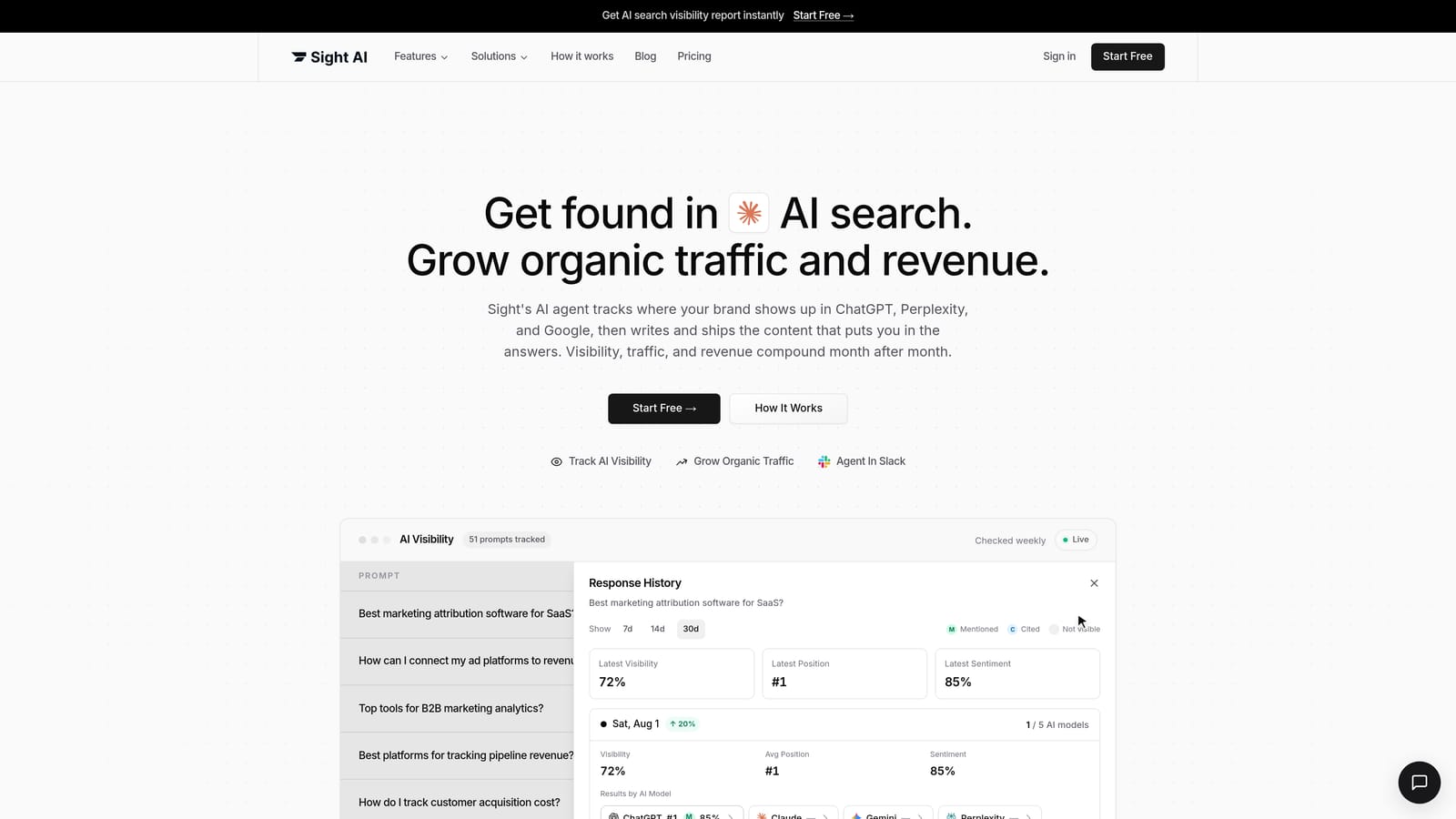
Sight suits a solo operator who wants a research-and-writing pipeline connected to a publishing queue. Configure business details and article rules once, then inspect the output against those rules. This reduces repeated setup, but it does not remove responsibility for factual claims and the affiliate destinations you publish.
Plan and trial details
Pro starts at US$99/month with 5,000 credits, one site, and one seat. The seven-day trial requires a card; cancel before it ends to avoid billing. Sight AI official details.
Check before choosing
Budget research, generation, images, and other credit-consuming activity together. Confirm the integration mode for your CMS instead of assuming every advertised connection supports unattended delivery.
2. Koala AI
Best fit: Blog generation with flexible publishing options.
Explore Explore Koala for the current product and signup options.

Koala can serve as the writing layer of a small operation without requiring you to replace your CMS. Its entry plan includes several publishing integrations, while calendar automation begins higher in the plan range. Choose based on whether you need generated drafts or a continuing automated schedule.
Plan and trial details
Essentials is US$9/month. Content Calendar Autopilot starts on Boost at US$99/month. The no-card free allowance is 5,000 words and 25 credits, not a timed trial. Koala AI official details.
Check before choosing
Select the plan by the automation and brand features you need. Output consumption depends on your settings; the lowest price does not include every calendar feature.
3. GetGenie
Best fit: WordPress-centered drafting and optimization.
Explore Explore GetGenie for the current product and signup options.

GetGenie is useful when switching between a separate writing interface and WordPress is the friction you want to remove. It also has a standalone web workspace. For a solo publisher, test whether its research and drafting controls reduce revision time before adding another automation service on top.
Plan and trial details
Starter is US$9.99/month on monthly billing. Annual promotional equivalents have different payment commitments. Compare the current word and research limits on the pricing page. GetGenie official details.
Check before choosing
Treat the WordPress plugin and standalone Playground as separate workflow options. Confirm site licensing and any publishing automation requirement before subscribing.
4. BabyLoveGrowth
Best fit: Business-led content planning and delivery.
Explore Explore BabyLoveGrowth for the current product and signup options.
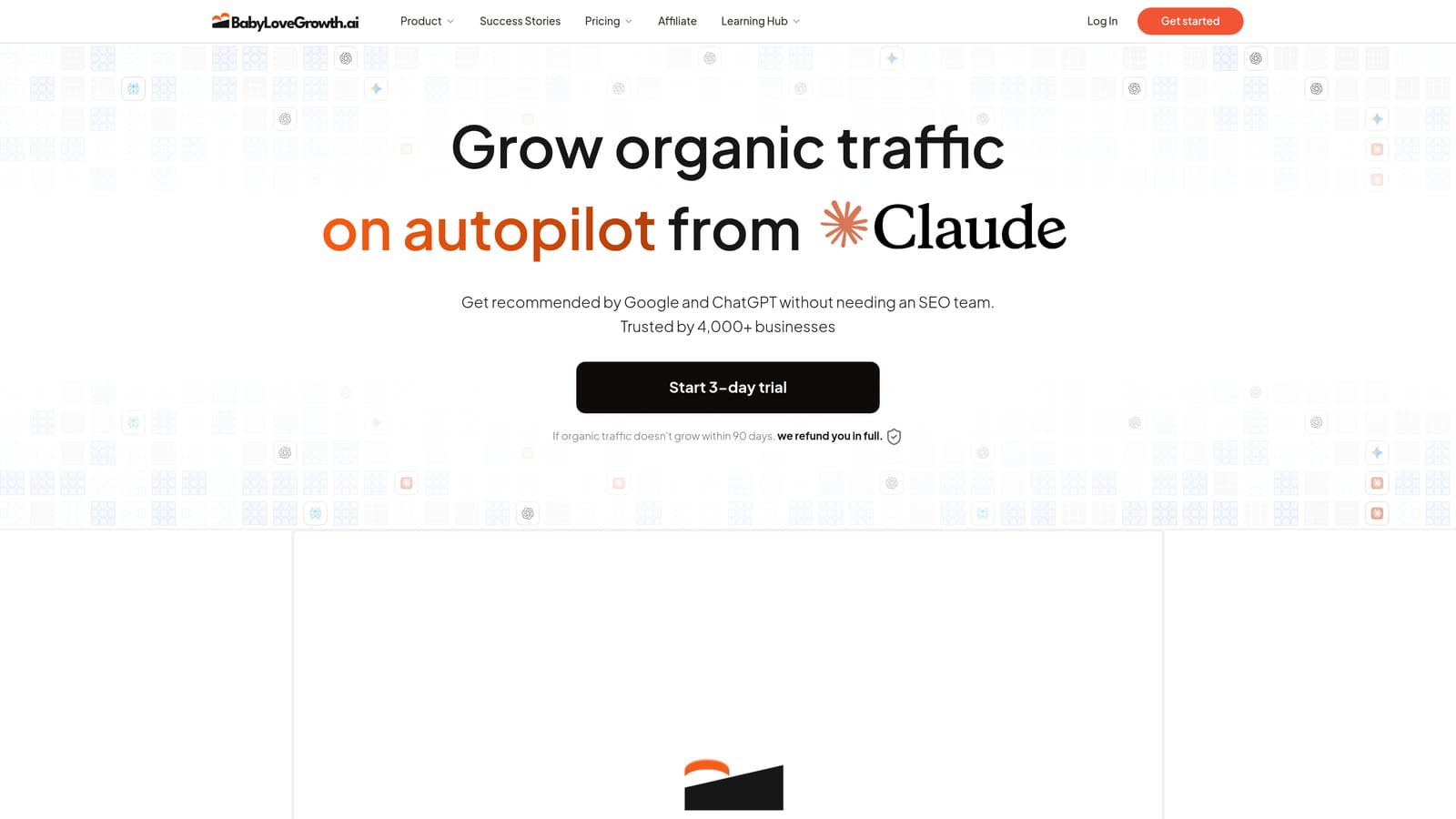
BabyLoveGrowth combines business analysis, a content plan, and publishing integrations. It is worth evaluating when planning the next article repeatedly delays production. The key question is how well that plan matches your actual offers and audience, rather than how many articles the interface can produce.
Plan and trial details
The site advertises a three-day trial. Check checkout for the current price, included output, card requirement, and renewal terms before starting. BabyLoveGrowth official details.
Check before choosing
Review the proposed topics and CMS settings. Its backlink exchange is a separate feature to assess; it is not evidence of earned editorial links or guaranteed rankings.
5. WordPress native scheduling
Best fit: A scheduled publishing destination.
WordPress lets you assign a future publication date to a finished post. If writing is already handled, this may be the missing step rather than another AI subscription. Check the site's timezone and preview the complete article before setting its status to scheduled.
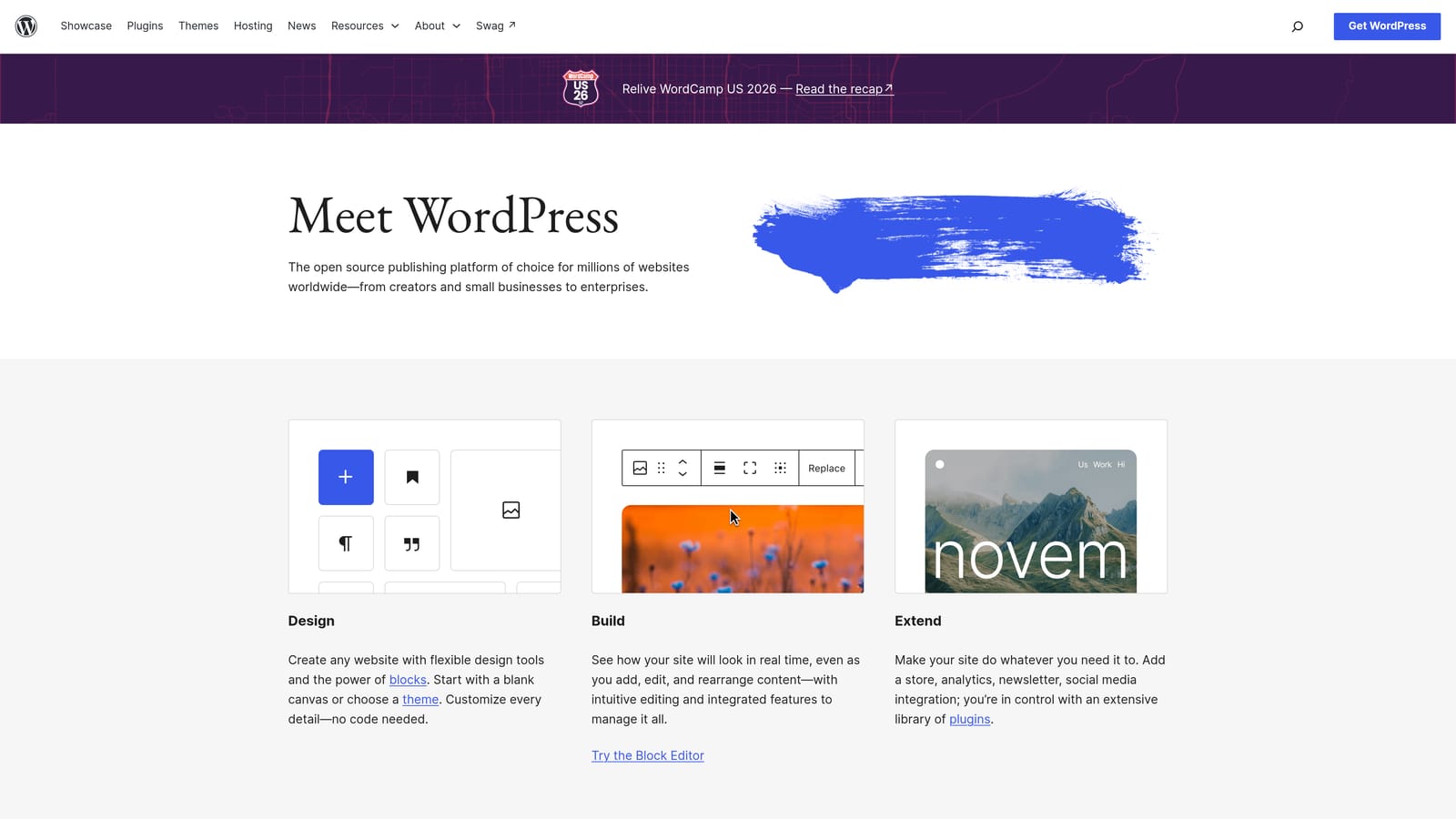
Scheduling does not perform topic research, verify facts, or create distribution messages. WordPress software is open source, but hosting and optional services can cost money. Test a future post on your actual hosting setup before relying on a full queue.
WordPress native scheduling official product details.
6. Buffer
Best fit: Social distribution and repurposing.
Buffer provides social publishing tools and an AI assistant for drafting and adapting social posts. It is relevant after a blog article is ready: prepare a channel-appropriate summary that gives readers a reason to visit the full page.
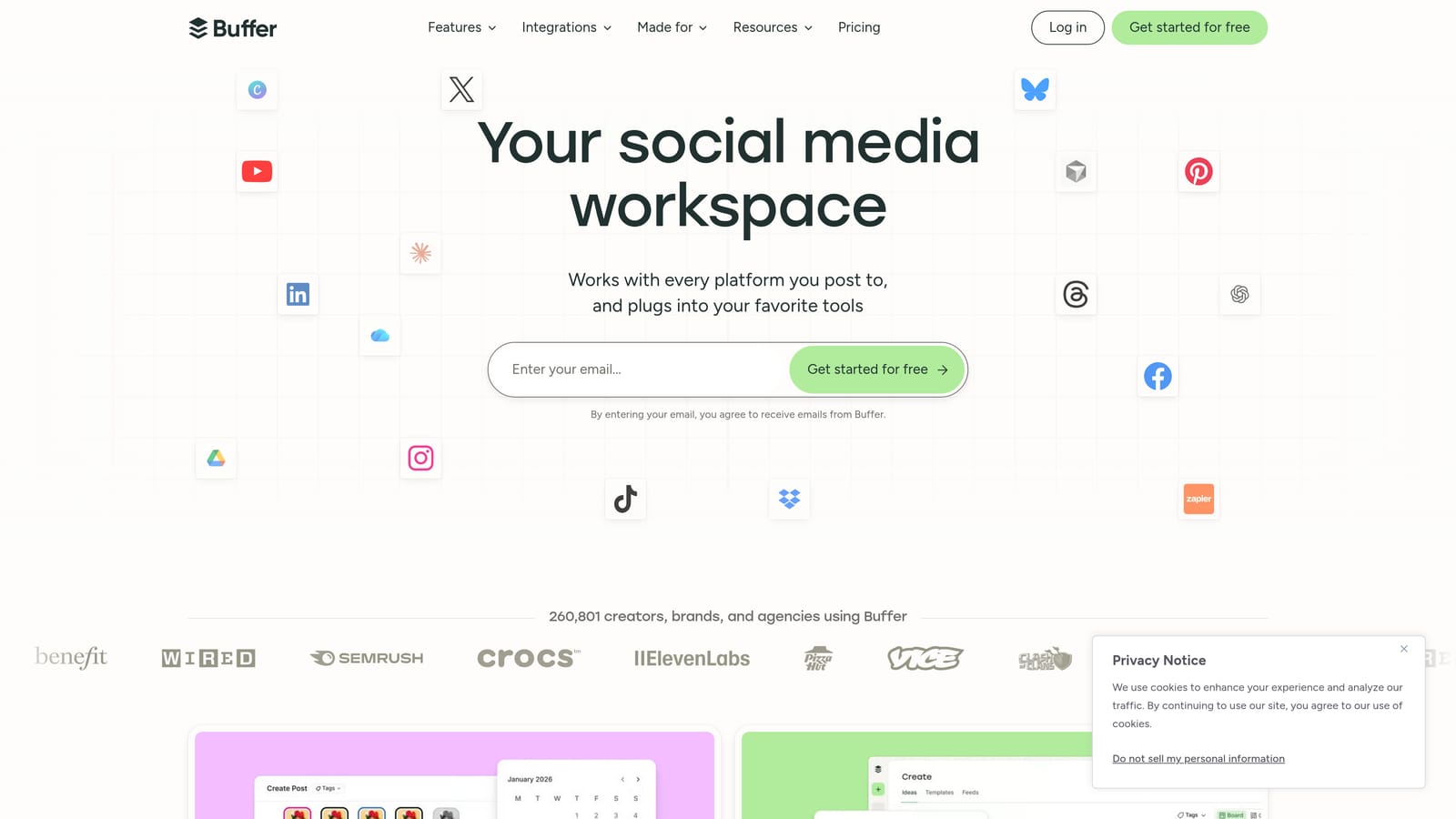
A social scheduler is not a replacement for your blog CMS. Do not assume a blog RSS feed automatically becomes a queue without configuring the supported integration. Verify channels and account limits against the plan you intend to buy.
Buffer official product details.
7. Zapier
Best fit: Connecting an approved event to the next task.
Zapier links app events and actions, including AI actions. A potential workflow starts when a post is approved, creates a distribution draft, and records the published URL. Each app connection and permission needs to be configured for the specific action.
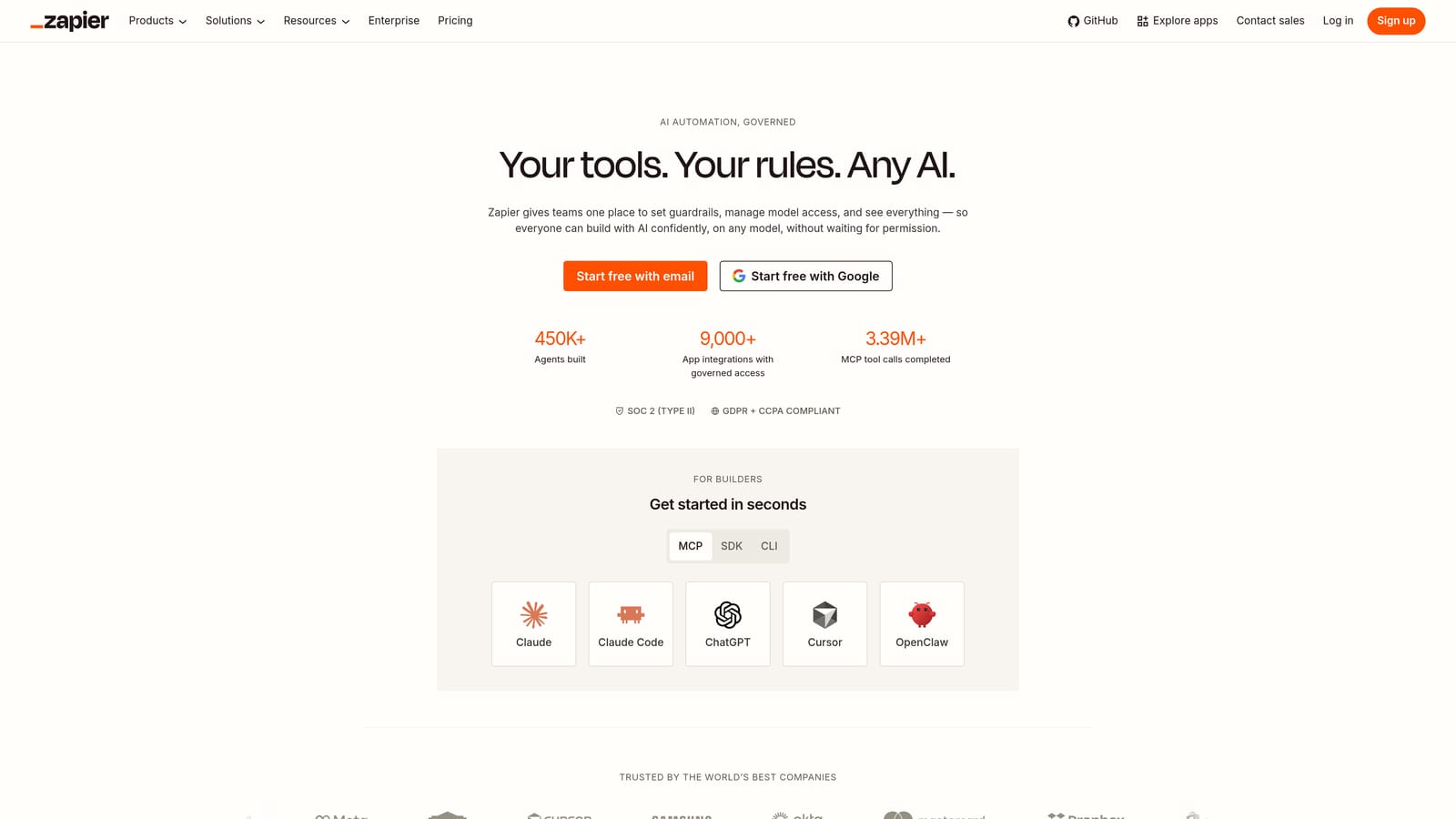
Map the article ID, title, destination URL, and status explicitly. Build a duplicate check before enabling retries. Review task allowances and any separate AI provider charges; an automation's total cost depends on the actions it actually runs.
Zapier official product details.
8. Make
Best fit: Custom workflows with branching.
Make provides a visual environment for connecting apps and building automation scenarios. It is relevant when your publishing process branches—for example, different categories going to different destinations or failed deliveries taking a separate route.
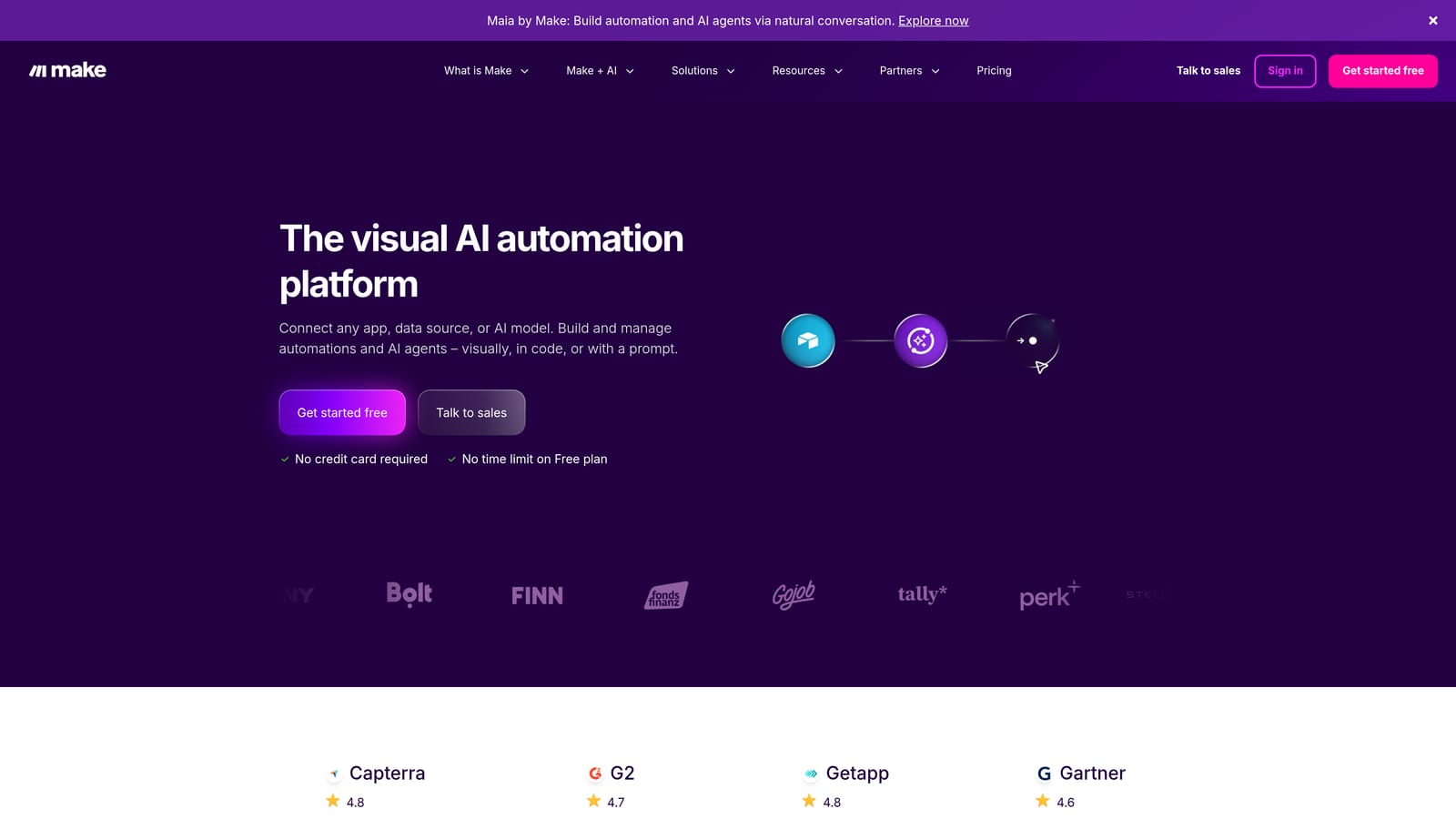
The flexibility brings setup and maintenance work. Start with a single approved article and inspect each output before expanding the scenario. Compare operation or credit consumption for your own workflow rather than assuming it is always cheaper than another connector.
Make official product details.
A practical test before you commit
Build one small workflow first: approved draft to scheduled CMS post, followed by a social draft for review. Test failure handling and make sure a retry updates the existing item instead of creating a second post. Add more steps only after this handoff works.
Use our writing assistants versus publishing automation to check the next part of your workflow.
Use our publishing workflow guide to check the next part of your workflow.
For the broader shortlist, see our comparison of four AI blog writing and automation tools.
Choose the next step for your blog
Shortlist the option that solves your main constraint, then compare a representative draft and the actual plan cost before committing.
An integrated blog production queue: Explore Explore Sight.
Blog generation with flexible publishing options: Explore Explore Koala.
WordPress-centered drafting and optimization: Explore Explore GetGenie.
Business-led content planning and delivery: Explore Explore BabyLoveGrowth.
Explore your options
Find the right fit for your workflow
Visit the official product sites to review current features, plans, and signup options.
Written and edited by the Today's Living Channel desk. About us · Affiliate disclosure