4 Best AI Writing Tools With CMS Integrations in 2026
This comparison examines four AI writing tools with CMS integrations, revealing how each actually handles drafting, review, and publishing so you can choose the right fit for your workflow in 2026.
Written by
Today's Living Channel
Dates
- Published
- 14 Sept 2026
- Updated
- 14 Sept 2026

We may be compensated through affiliate links, sponsored content or partnerships. Compensation does not guarantee a positive review. Learn more
Quick verdict
This comparison examines four AI writing tools with CMS integrations, revealing how each actually handles drafting, review, and publishing so you can choose the right fit for your workflow in 2026.
- Section
- AI & Automation
- Format
- listicle
- Read time
- 9 min
CMS integration matters when it removes the work between an approved draft and a correctly formatted post. These four AI writing tools approach that handoff differently. This comparison focuses on publishing destinations, the plan needed for automation, and the checks to run before connecting a live site.
This shortlist uses published product information and workflow criteria, not a scored hands-on performance test. Product details checked September 13, 2026; confirm terms at checkout.
Check the destination before the word allowance
Name your exact CMS, then distinguish one-click publishing, scheduled delivery, and continuous content generation. An integration badge does not establish support for every custom field or publishing mode. Compare the rendered result of one test article before importing a large queue.
Quick comparison
Sight AI: A connected research-to-publishing workflow. Explore Explore Sight.
Koala AI: Multiple CMS choices at an entry price. Explore Explore Koala.
GetGenie: Writing inside WordPress or a web workspace. Explore Explore GetGenie.
BabyLoveGrowth: A managed content plan with automatic publishing. Explore Explore BabyLoveGrowth.
1. Sight AI
Best fit: A connected research-to-publishing workflow.
Explore Explore Sight for the current product and signup options.
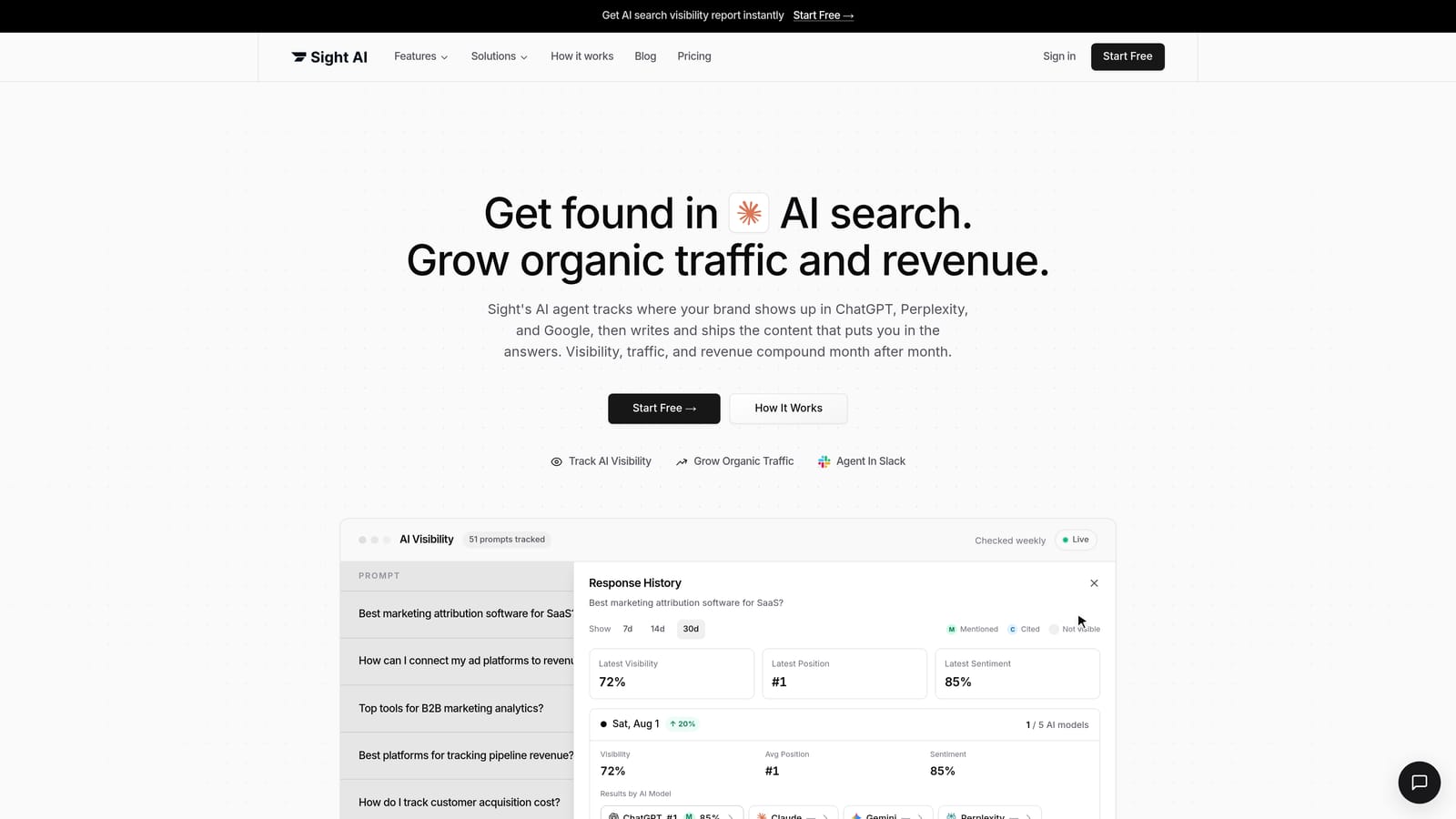
Sight is a candidate when your biggest delay is moving a finished article into the publishing queue. Its workflow includes generation, article editing, and scheduled CMS delivery. Configure the destination and category deliberately: a successful transfer is only useful if the receiving site puts the post in the intended place.
Plan and trial details
Pro starts at US$99/month with 5,000 credits, one site, and one seat. The seven-day trial requires a card; cancel before it ends to avoid billing. Sight AI official details.
Check before choosing
Budget research, generation, images, and other credit-consuming activity together. Confirm the integration mode for your CMS instead of assuming every advertised connection supports unattended delivery.
2. Koala AI
Best fit: Multiple CMS choices at an entry price.
Explore Explore Koala for the current product and signup options.

Koala is useful when you want CMS connectivity before committing to a more expensive automated calendar. Its pricing page lists WordPress, Shopify, Webflow, Ghost, and webhooks even on Essentials. That means a non-WordPress site does not automatically rule it out; the distinction to evaluate is manual one-click delivery versus the higher-tier calendar.
Plan and trial details
Essentials is US$9/month. Content Calendar Autopilot starts on Boost at US$99/month. The no-card free allowance is 5,000 words and 25 credits, not a timed trial. Koala AI official details.
Check before choosing
Select the plan by the automation and brand features you need. Output consumption depends on your settings; the lowest price does not include every calendar feature.
3. GetGenie
Best fit: Writing inside WordPress or a web workspace.
Explore Explore GetGenie for the current product and signup options.

GetGenie's WordPress plugin makes the editor itself the working environment, while its standalone Playground supports writing outside WordPress. These are different conveniences. The web app does not by itself establish a native publishing connection to every CMS; test your export and formatting path if you use another platform.
Plan and trial details
Starter is US$9.99/month on monthly billing. Annual promotional equivalents have different payment commitments. Compare the current word and research limits on the pricing page. GetGenie official details.
Check before choosing
Treat the WordPress plugin and standalone Playground as separate workflow options. Confirm site licensing and any publishing automation requirement before subscribing.
4. BabyLoveGrowth
Best fit: A managed content plan with automatic publishing.
Explore Explore BabyLoveGrowth for the current product and signup options.
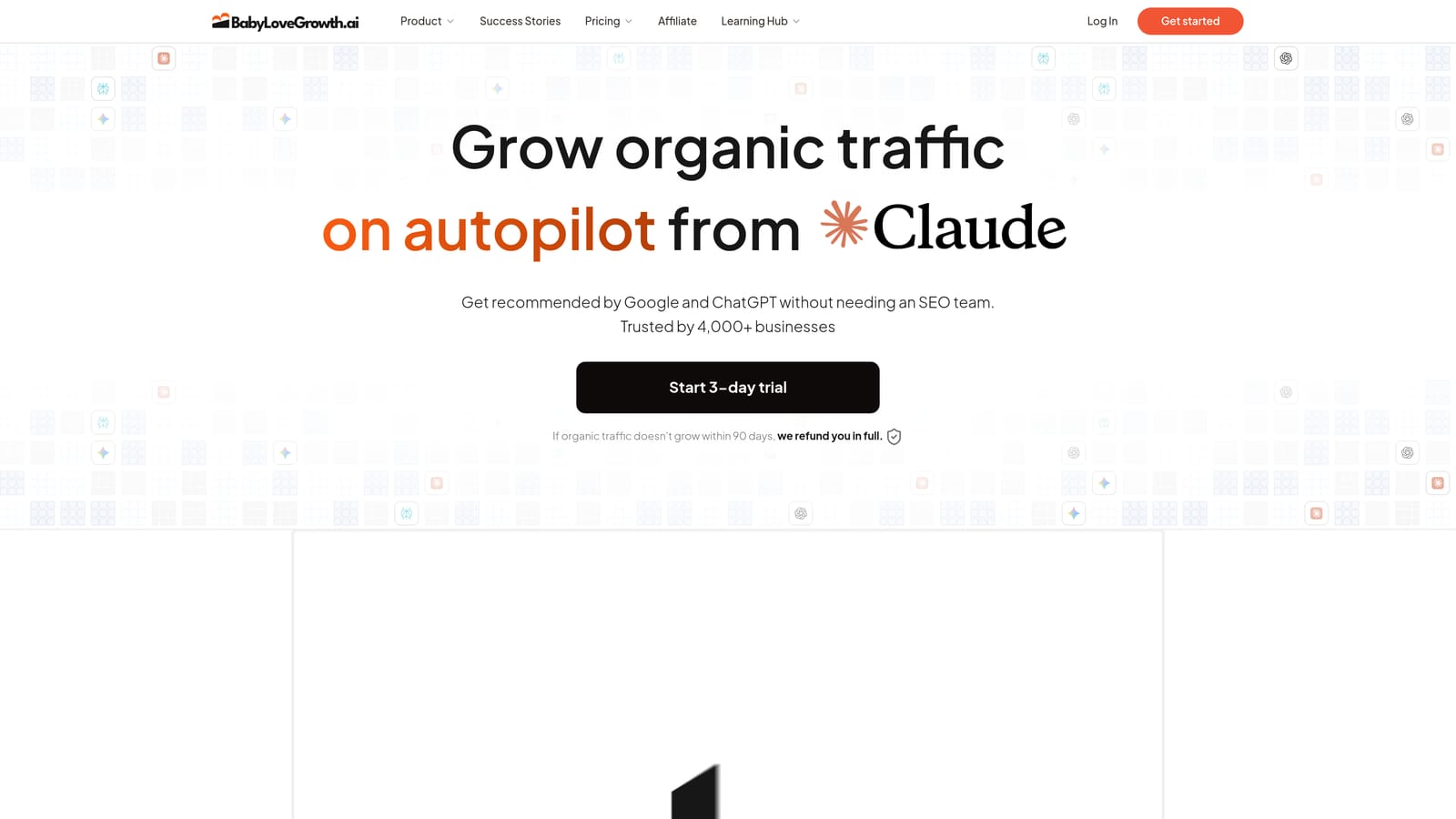
BabyLoveGrowth lists WordPress, Shopify, Wix, Webflow, and other publishing destinations. Its appeal is combining a planned content pipeline with delivery to the site. Before enabling a recurring run, confirm how your integration handles categories, metadata, image placement, and any draft-review preference.
Plan and trial details
The site advertises a three-day trial. Check checkout for the current price, included output, card requirement, and renewal terms before starting. BabyLoveGrowth official details.
Check before choosing
Review the proposed topics and CMS settings. Its backlink exchange is a separate feature to assess; it is not evidence of earned editorial links or guaranteed rankings.
A practical test before you commit
Send a short draft containing two headings, a table, an image, an internal link, and an affiliate link. Compare the source with the received page. Then test one scheduled post in the intended timezone. Record whether the CMS receives a draft or publishes immediately, and how failures appear in the delivery log.
Use our publishing workflow checklist to check the next part of your workflow.
Use our WordPress writing-tool comparison to check the next part of your workflow.
For the broader shortlist, see our comparison of four AI blog writing and automation tools.
Choose the next step for your blog
Shortlist the option that solves your main constraint, then compare a representative draft and the actual plan cost before committing.
A connected research-to-publishing workflow: Explore Explore Sight.
Multiple CMS choices at an entry price: Explore Explore Koala.
Writing inside WordPress or a web workspace: Explore Explore GetGenie.
A managed content plan with automatic publishing: Explore Explore BabyLoveGrowth.
Explore your options
Find the right fit for your workflow
Visit the official product sites to review current features, plans, and signup options.
Written and edited by the Today's Living Channel desk. About us · Affiliate disclosure